


Designing a professional logo is both expensive and time-consuming. This is why AI logo generators have become so popular. They allow you to quickly create clean, modern logos at virtually no cost.
In this guide, I tested and compared 9 of the best free AI logo generators, focusing on price, design quality, watermarks, customization options, and commercial usage rights.
9 Best Free AI Logo Generators
Shopify Hatchful: Best Free AI Logo Maker for E-commerce
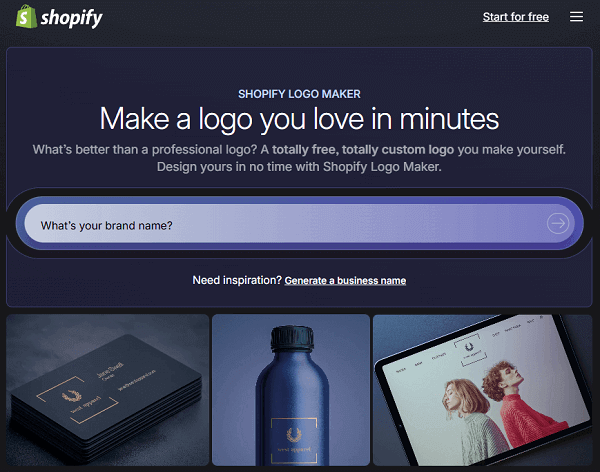
- Is it Free: 100% Free.
- Watermark: No watermark; supports export in multiple formats (PNG, SVG).
- Templates: A wide variety of industry templates.
- Commercial Use: Supports commercial use without requiring paid upgrades.
Shopify Hatchful is one of the best free AI logo generators for e-commerce businesses.
You don’t need to create an account or install any software; simply select your industry, visual style, and enter your brand name. The AI logo generator will instantly create multiple logo options that you can customize with different colors, fonts, and layouts.
One of Shopify Hatchful’s biggest advantages is that it’s completely free. All logos can be downloaded without watermarks and are free for commercial use. It also provides ready-made logo files optimized for websites, social media, and online stores.
However, compared to some paid AI logo generators, Hatchful’s customization options are relatively limited.
Logo.com: Best 100% Free AI Logo Generator
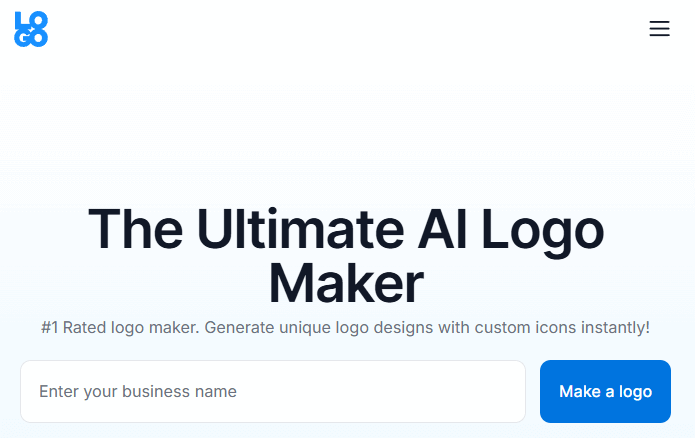
- Is it Free: Free logo previews are available.
- Watermark: Previews are usually watermark-free.
- Templates: Multiple templates are available for automatic generation and customization.
- Commercial Use: Paid premium output usually includes commercial licensing.
Logo.com is one of the best 100% free AI logo generators. You can create and download professional logos for free, without any watermarks or hidden fees.
Enter your company name and optional tagline, select your industry and design preferences, and the AI will instantly generate hundreds of logo options that match your brand image. Then, you can use the intuitive editor to customize colors, fonts, icons, and layouts until you find the design you love.
One of Logo.com’s biggest advantages is the free download of high-resolution PNG, SVG, and JPG logo files. The free plan allows users to create and download one logo, and you can edit and re-download it as needed.
Canva Logo Maker: Best AI Logo Generator with Free Templates
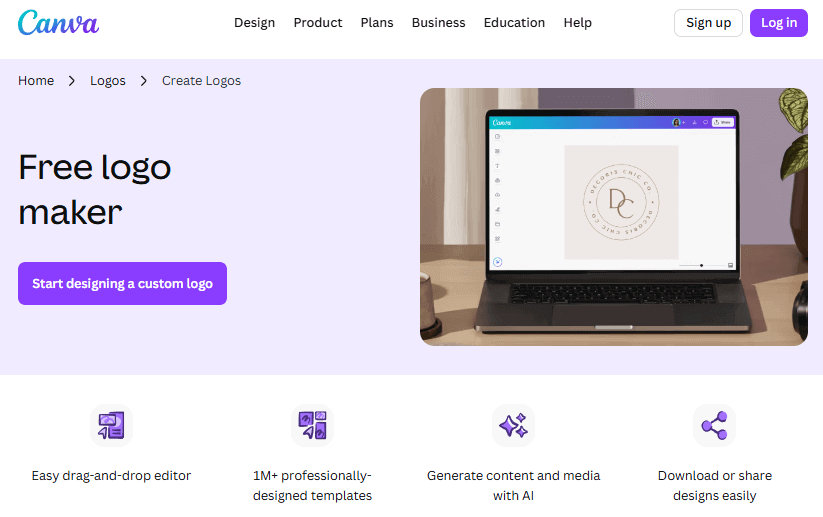
- Is it Free: Free logo editing and download.
- Watermark: Free output of watermark-free logos.
- Templates: Massive selection of templates (millions).
- Commercial Use: Yes.
Canva Logo Maker is a popular AI logo design tool. It’s favored by small businesses, content creators, and beginners.
You can choose from thousands of ready-made logo templates and customize every detail, including fonts, colors, icons, spacing, and layout. Built-in AI tools recommend styles and elements, making the design process even simpler.
Canva is entirely online and accessible on both desktop and mobile devices. Simply search for “logo” in Canva, select a template, and start editing. Most logos can be created and downloaded for free without watermarks and support standard formats like PNG.
However, many premium templates, icons, and fonts require a Canva Pro subscription.
Looka: Best AI Logo Maker for Professional Brand Identity
- Is it Free: Free to try the design, paid download for the logo.
- Watermark: No watermark on preview and downloaded versions.
- Templates: 300+ professional templates.
- Commercial Use: Paid download includes commercial use rights.
Unlike other free logo generators, Looka focuses on providing logo designs that are ready for immediate use in branding.
Simply answer a few questions about colors, symbols, and fonts. Looka will use AI to generate multiple logo options that adhere to professional design principles.
You can adjust the fonts, layout, and color palette to optimize your logo and preview how it looks on business cards, websites, and social media profiles.
While you can generate and preview logos for free, downloading high-resolution files requires a one-time payment. The paid package includes full commercial usage rights and professional formats such as PNG, SVG, and PDF, making the logo suitable for long-term business use.
Tailor Brands: AI Logo Generator for Building a Complete Brand Kit
- Is it Free: Free trial for logo generation; payment required for export.
- Watermark: Free trial does not include official export; paid export is watermark-free.
- Templates: Multiple automatically generated templates available.
- Commercial Use: Paid version supports full commercial use.
Tailor Brands is a free AI logo generator that helps businesses create a complete brand identity.
The platform uses AI to generate logo options based on your company name, industry, and design preferences. After you select your style, colors, and fonts, Tailor Brands provides multiple logo options for further refinement.
Tailor Brands offers much more than just logo design. Paid plans provide a complete branding toolkit, including social media assets, business card templates, brand guidelines, and other marketing materials. All logos and branding materials are suitable for commercial use.
Design.com: Best Online AI Logo Generator
- Is it Free: Freemium model, templates, and logo generation are available for trial.
- Watermark: Free trial of templates and output; export requires payment.
- Templates: 500,000+ design templates.
- Commercial Use: Paid output provides commercial use rights.
Design.com is an online AI logo generator that helps users quickly create professional logos.
Simply enter your company name and optional keywords, and the AI system will instantly generate thousands of logo options that match your brand image. You can also adjust fonts, colors, layouts, and shapes until you find the perfect logo.
Design.com offers both free and paid subscription options. You can browse and generate logos for free, and some templates are available for free. Paid users also have access to more branding tools, such as business card design, social media images, and AI-generated websites.
When downloading your logo, Design.com provides various common file formats, including high-resolution PNG, JPG, SVG, EPS, and PDF, ensuring your logo looks perfect on websites, print materials, and social media.
Read more: 15 Best Meme Generators for Image, GIF & Video
Wix Logo Maker: Best AI Logo Maker for Websites
- Is it Free: Free trial and preview generation.
- Watermark: Paid export is watermark-free.
- Templates: Diverse templates and layouts.
- Commercial Use: Paid export includes commercial use rights.
This free AI logo generator, developed by the website building platform Wix, allows anyone to easily design beautiful logos without design experience.
Simply enter your brand name and select your visual preferences, such as industry, style, and colors. The AI system will generate logo suggestions based on your brand identity. You can further refine each design, adjusting fonts, icons, layout, and color schemes until you are satisfied.
One of its main advantages is its integration with the Wix ecosystem. After creating your logo, you can preview how it looks on website headers, social media images, business cards, and marketing materials—all within the same platform.
While designing and previewing logos is free, downloading high-resolution files and obtaining full commercial usage rights requires a one-time payment.
LogoMakr: Best Online Logo Maker for Custom Logo Editing
- Is it Free: Free online editing and generation; download requires payment.
- Watermark: Free design previews are watermark-free; paid downloads are also watermark-free.
- Templates: A vast library of design elements.
- Commercial Use: Paid exports typically include commercial use rights.
LogoMakr is a powerful online logo creation tool that gives users complete control over the logo customization process.
You can choose from millions of graphics, including icons, text, shapes, and colors, and precisely position them where you want.
LogoMakr offers free AI logo design and previews, but downloading high-resolution files typically requires a paid plan. Prices for a single design start at approximately $29 and include vector formats, multiple logo usage rights, and more. All paid plans include full commercial usage rights.
Adobe Express Logo Maker: Best AI Logo Maker for Professional Design
- Is it Free: Free online logo generation and editing.
- Watermark: Free output without watermarks.
- Templates: Abundant templates and support from the Adobe resource library.
- Commercial Use: Free.
Adobe Express Logo Maker is powered by Adobe and designed to help businesses, creators, and marketers create unique logos.
Adobe Express uses AI to recommend logo ideas based on your company name, industry, and style preferences. After generating initial logo options, you can customize colors, fonts, icons, and layouts using a drag-and-drop editor. It also provides access to Adobe’s vast library of design resources to help you refine your logo.
You can design and download basic logos for free without watermarks, and in standard formats such as PNG. The free version also integrates with Adobe’s tools, allowing you to use your logo in social media posts and marketing materials you create.
When visiting different AI logo generator websites, your online data may be exposed. This is where LightningX VPN comes in handy.
It boasts over 2000 high-speed servers and encrypts your internet connection, protecting your online activity.
Download now to enjoy free nodes and a 30-day money-back guarantee.
How to Choose the Best AI Logo Generators?
Choosing the right AI logo generator can save a lot of hassle. I’ve tested many such tools across different projects, and here are some aspects I usually focus on:
1. Design Quality and Originality
I prefer tools that generate clean, modern logos that don’t look like templates. Platforms like Looka and Adobe Express generally excel at generating professional-looking logos.
2. Customization Flexibility
I don’t like logos that are almost impossible to edit. The best AI logo generators should allow me to easily adjust fonts, colors, layout, and icons.
3. Commercial Use Rights
Some tools allow you to design for free but charge for commercial use or high-resolution downloads. If I’m designing a logo for a real brand, I make sure the logo can be legally used on websites, packaging, and marketing materials.
4. Export Formats and Resolution
The AI logo generator I look for should offer PNG, SVG, or PDF formats so the logo can be used on websites, social media, and print materials. This is especially important for the long-term development of a brand.
5. Other Branding Features
It’s a big advantage if the AI tool includes branding kits, social media assets, or designs that can be used for websites. For startups or e-commerce projects, platforms like Wix Logo Maker or Tailor Brands can save a lot of setup time.
Final Thought
AI logo generators can’t replace high-end brand design companies, but for most people, they are more than sufficient.
If you need a logo quickly, want to reduce costs, or validate your business idea, the best AI logo generators can save you time and money.






