


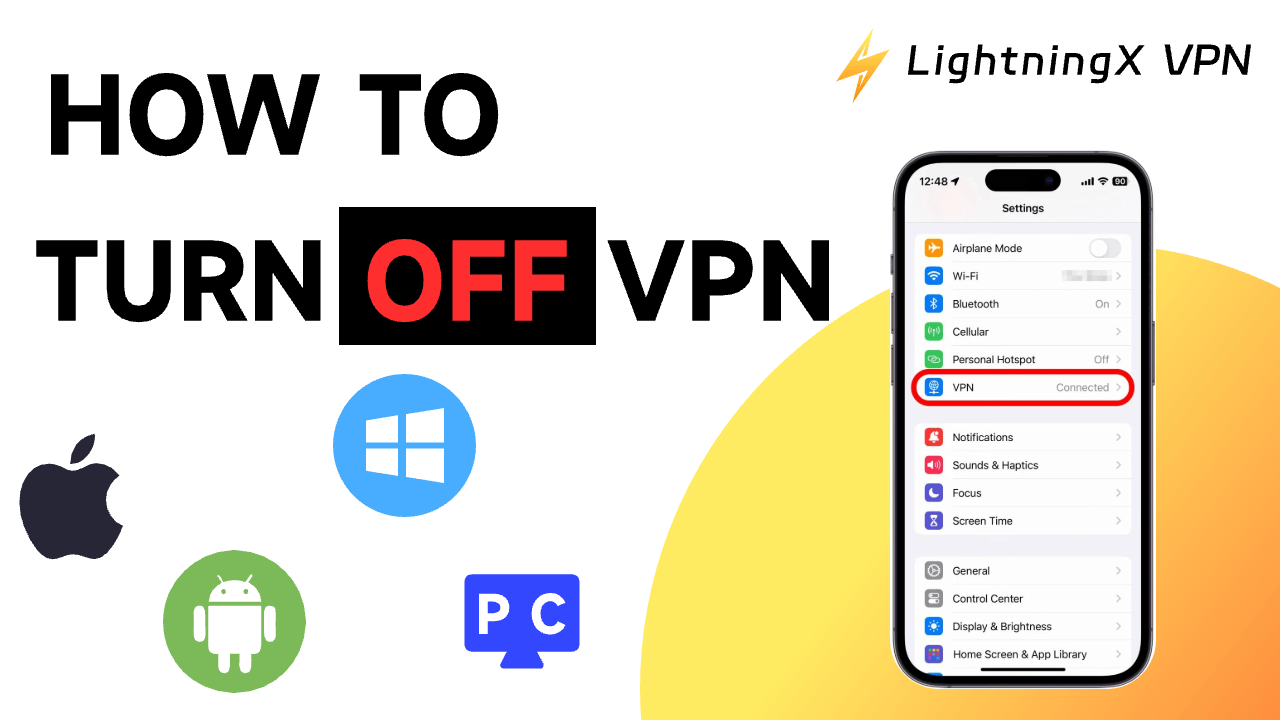
A VPN is a powerful tool that protects your data and privacy from exposure. It enables you to browse the internet securely. Disabling a VPN may carry certain risks. However, in some unavoidable situations, you might choose to turn off your VPN. This article will detail how to disable a VPN and how to address issues you may encounter after turning it off.
Benefits of Using a VPN
- Data Privacy. A VPN hides your real IP address and location, keeping your online activities private—including visiting websites, playing games, and other online actions. Even advertisers, websites, and your Internet Service Provider (ISP) cannot track your habits when you use a VPN.
- Security. When using a VPN, an encrypted tunnel is created between your device and the VPN server. This tunnel protects sensitive information like passwords, credit card numbers, and financial data from hackers, especially when using public Wi-Fi.
- Access Blocked Content. VPNs help you bypass geo-restrictions by connecting to servers in those locations, allowing you to browse foreign websites and services blocked in your region.
- No Bandwidth Limits. Using a VPN prevents your internet speed from being throttled by your ISP. VPNs help you stream online videos and access websites smoothly.
Tip: Take LightningX VPN as an example—it’s one of the most widely used VPNs due to its fast, secure, and affordable features. Key features of LightningX VPN include:
- No bandwidth or speed limits, providing unrestricted access to global content.
- Compatible with Windows/macOS/Android/iOS/Apple TV/Android TV/Linux/Chrome/Firefox/Edge.
- Offers free, smooth nodes on Android and iOS.
- Over 2,000 servers across more than 70 countries, including the US, Australia, Germany, Japan, and others.
How to Turn Off VPN: Detailed Tutorial
Follow these steps to learn how to disable VPN on different devices.
Turning Off VPN on iPhone
Disabling VPN on iPhone is straightforward. Follow these steps to turn off VPN on your iPhone.
- Open the Settings app on your iPhone. It’s usually located on your phone’s home screen.
- Tap “General.”
- Scroll down and select “VPN & Device Management.”
- Choose the VPN you wish to disable.
- Tap the toggle button to ensure the status shows “Not Connected.” This confirms your VPN is successfully turned off.
Turning Off VPN on Android
Turning off VPN on Android is also straightforward. Follow these steps to disable VPN on Android.
- Go to ‘Settings’ > “Network & Internet.”
- Tap “More connection settings” on the page.
- Tap “VPN”.
- Tap the blue toggle button next to the VPN you want to turn off; it should turn gray. After completing these steps, your VPN is successfully turned off.
How to Turn Off VPN on Windows 10/11 PC
Turning off VPN on a Windows 10/11 PC is very straightforward. Here are the simple steps to turn off VPN on your Windows 10/11 PC.
- Click the Windows button in the bottom-left corner of your PC screen.
- Click “Settings” > “Network & Internet”.
- Locate and click the VPN you wish to disable.
- Click “Disconnect”.
How to Turn Off VPN on Mac
You can disable VPN connections in your Mac’s network settings. Here are the steps to turn off VPN on a Mac.
- Click the Apple icon in the top-left corner of your Mac’s desktop.
- Navigate to System Preferences > Network > VPN.
- Select the VPN you wish to disable, then click “Disconnect”.
Note: You can also turn off your VPN directly from the VPN application. Using LightningX VPN as an example, you can click the “Stop” button to successfully disable your VPN.
Why Would You Want to Turn Off Your VPN?
Turning off your VPN can improve connection speeds during data-intensive activities like video streaming or gaming. Additionally, using a VPN is illegal in some countries. Therefore, turning off your VPN may help avoid legal issues.
Here are the main reasons you might want to turn off your VPN.
- Improve Internet Speed: Turning off your VPN can boost connection speeds during data-intensive activities like video streaming or gaming. However, you can also choose a VPN with fast and stable connections for low latency.
- VPN apps may be prohibited in your region, such as China and North Korea. Using VPN apps is illegal in countries like China, so turning off your VPN avoids trouble.
- To resolve network issues. VPN apps may cause internet connection problems due to server issues or conflicts with your ISP.
- To preserve your device’s battery life. Using a VPN app places additional strain on your device and drains your battery faster. Therefore, turn off your VPN when your battery is low.
- Access local services. Sometimes, banks may block logins when you use a VPN, as some banks restrict traffic from other countries. Turning off your VPN will allow you to access your online banking.
- App or service incompatibility. Some software and services may be incompatible with your VPN. Turning off your VPN may help resolve this issue.
- Your corporate network prohibits VPN use. Your workplace or school may have rules or policies against VPN usage, so turning it off may help resolve these issues.
Why Won’t My VPN Turn Off?
If your VPN won’t shut down, it could be due to these reasons:
- VPN network configuration is cached on your device. If you haven’t cleared the cache after prolonged VPN use, it might prevent the VPN from closing.
- You haven’t fully logged out of the VPN. Simply closing the VPN interface doesn’t stop the VPN service. It continues running in the background.
- Firewall or antivirus software is blocking the VPN shutdown. Sometimes these programs may recognize the VPN as essential network software.
- You can’t close the VPN if the program crashes or freezes. In this case, force-quit the VPN application or restart your device to resolve the issue.
You can also completely remove the VPN to resolve the issue. However, after removal, your VPN data—such as accounts, passwords, and network configurations—will be permanently deleted from your device. Therefore, consider noting your login credentials in a memo before removing the VPN service, in case you need to use it again later.
How to Fix Internet Access Issues After Closing VPN
Sometimes, even after disabling or uninstalling the VPN, you still cannot access the internet. You may have tried various solutions, such as restarting your computer or setting a specific browser as the default application, but none of these methods resolved the issue. This is likely because the VPN software modified and enabled the proxy server on your computer. Therefore, if you cannot access the internet after turning off the VPN, check and disable the proxy service on your computer. Follow these steps:
Step 1: Click the Windows logo, locate “Settings,” and click to open it.
Step 2: Select “Network & Internet.”
Step 3: Choose ‘Proxy’ from the left-hand menu.
Step 4: Under the “Manual proxy settings” section, turn off “Use a proxy server.”
Now, check your browser to see if you can connect to the internet.
How to Disable a VPN – Frequently Asked Questions
Q: Should I keep my VPN on or off?
Turning off your VPN application is unsafe because VPNs protect your IP address and data from exposure. Additionally, VPNs help bypass geo-restrictions so you can access websites from other countries. Considering this, it’s best to keep your VPN on rather than off.
Q: What happens when I turn off my VPN?
After turning off your VPN, your data and IP address will no longer be encrypted. Furthermore, your ISP will log the websites you visit and the amount of data you download. Your IP address may be exposed to strangers.
Q: Can the Wi-Fi owner see my internet history if I use a VPN?
When using a VPN, the Wi-Fi owner cannot see your internet history because your VPN application encrypts your data and hides your IP address. The VPN creates a protective barrier, preventing your data from being exposed.
Conclusion
Turning off your VPN is very easy, but it carries risks because your online privacy will no longer be protected. If you’re looking for a fast, secure, and affordable VPN for Windows, Mac, Android, or iOS, you can try LightningX VPN.






