


The best controller for PC gaming can give you an excellent experience in shooting, driving, and building games. However, you might not know which to choose because there are too many controller products on the market.
Today, we’ll walk you through the 4 best controllers for PCs from different aspects. However, a thousand readers will have a thousand Hamlets. Different players may have varying experiences with different products.
This review combines the product specifications with general user feedback to provide a detailed explanation, aiming to help you choose the product that best suits your preferences.
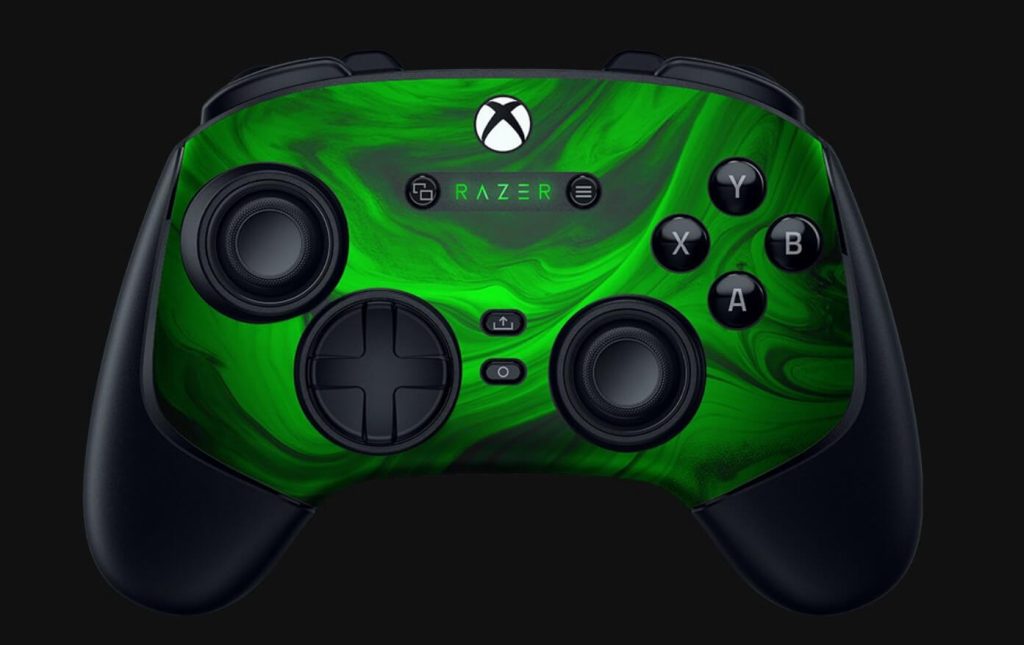
1. Razer Wolverine V3 Pro – Best-wired Controller for PC
In terms of appearance and design, the Razer Wolverine V3 Pro features a wider body and grip and weighs 10.6 ounces overall, giving it a sense of heavy-duty craftsmanship. However, this is not friendly to those seeking a lightweight and compact operating feel.
The Razer Wolverine V3 Pro’s grips are made of a rubberized material, which enhances the hand experience while preventing slipping. Its body is equipped with two claw grip bumpers on the shoulder, allowing you to control the grips more easily.
Surprisingly, the V3 Pro adds a Hall effect sticker. You can customize the anti-drift accuracy of the joystick to suit your in-game experience. However, in contrast, Razer has removed the Chroma RGB lightning on the V3 Pro. This is a slight disappointment for players who enjoy cool visual effects, but for players who prefer a black and hefty design, it’s not a major issue.
Connectivity-wise, this controller supports both wireless and a USB cable. However, it doesn’t include Bluetooth, so you will need to use its included dongle to achieve the wireless connection. Both connections are super-fast, allowing you to have a smooth gaming experience.
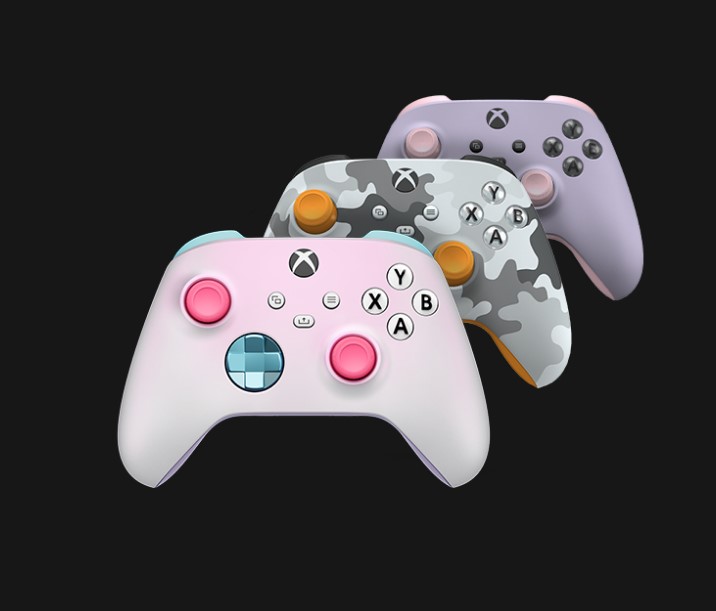
2. Xbox Elite Series 2 Wireless Controller – Overall the Best Controller for PC
As the most compatible controller for Microsoft, the Xbox series has long been a top choice for PC gamers. This controller is specifically designed for Windows PCs, featuring textured grips, vibrant colors, customizable appearances, and Bluetooth functionality, delivering an unparalleled tactile and visual experience for players.
Its textured rubber grip and sleek body are fully ergonomic, providing you with the best possible feel. At the same time, the compact button layout makes game controls highly convenient during battles.
At its center, there is a dedicated share button for quickly capturing gameplay moments. Additionally, its hybrid D-pad produces a satisfying click when pressed, which is great for those who enjoy the tactile feedback of mechanical keyboards or other electronic devices.
Overall, this lightweight and compact controller, with excellent performance, a reasonable price, an attractive design, and Bluetooth support, meets the needs and aesthetics of the widest audience, making it one of the most widely recommended controllers.
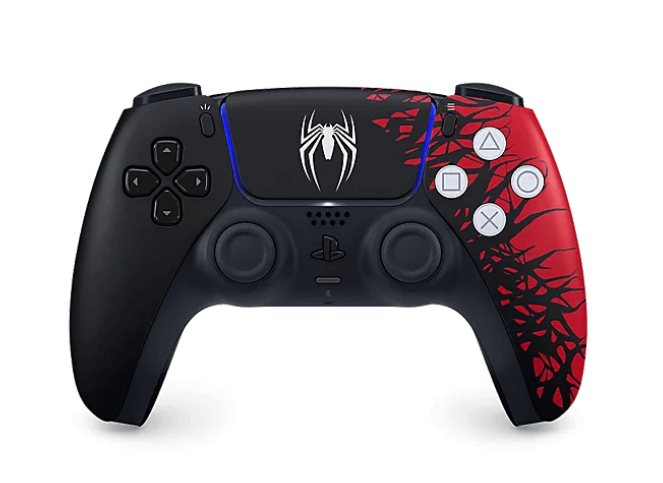
3. DualSense Controller – Best Budget Controller for PC Steam
As the perfect companion for the PS5, the PS5 controller can also connect to PCs and other electronic devices, delivering an optimal gaming experience. This controller is highly ergonomic, with a weight and size similar to the Xbox Wireless Controller, making it lightweight and compact.
Beyond its initial feel, the gaming experience it offers is excellent. Its haptic feedback, precise aiming, and adaptive triggers provide competitive players with the best possible experience. By setting up a connection to your PS5 controller on Steam, you can get the best gaming experience for your computer.
The DualSense controller supports wireless and wired connections. However, its battery life is not long. It is better to connect it to a USB cable while playing games.
The initial price of the PS5 controller is below the market, starting from $69.99. This is quite competitive among other high-end controller products. If you are a dedicated computer Steam gamer, then the DualSense controller is definitely for you.
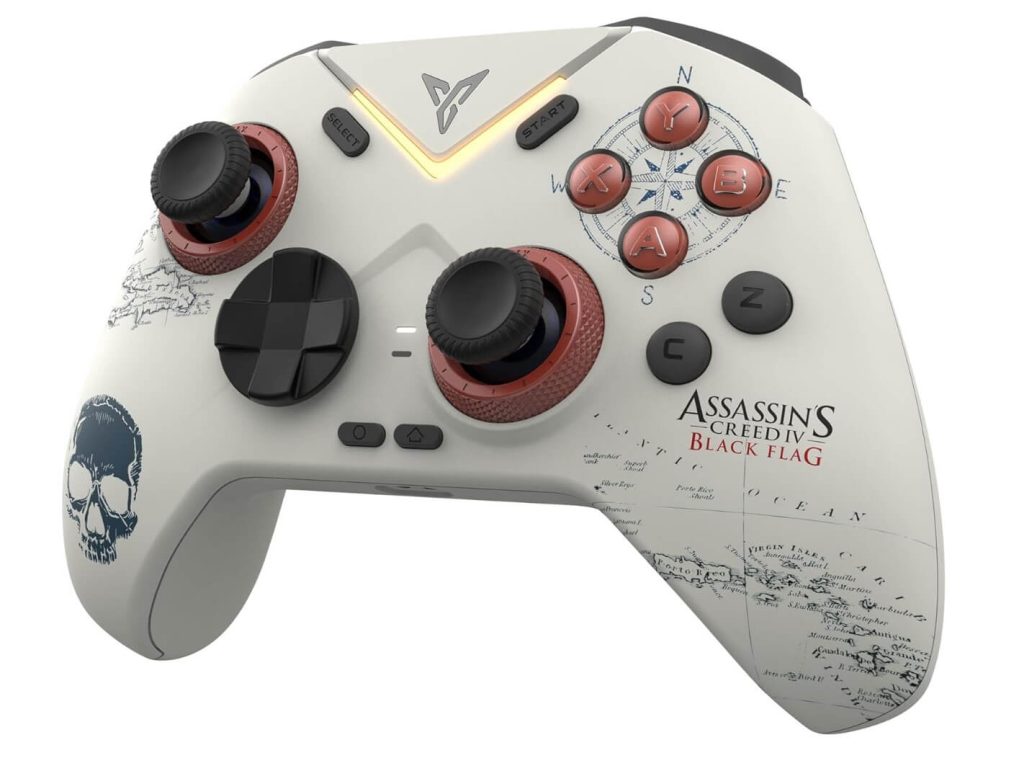
4. Flydigi Vader 4 Pro – Qualified Best Controller for PC Gaming
First, the design and appearance of the Flydigi Vader Pro are outstanding. Its curved and smooth lines make it highly comfortable for players who hold the controller for extended periods. Second, the controller is equipped with adjustable trigger key travel, enabling players to achieve high-precision operations, making it ideal for shooting, racing, or building games.
Meanwhile, this controller features a force-adjustable joystick with a damp range between 40 gf and 100 gf. Players can customize the control’s strength and precision. Coupled with FlySync’s high polling rate technology, it delivers a 1000Hz polling rate, ensuring minimal latency for players.
However, the controller’s trigger vibration feedback is not particularly outstanding. Overall, the Flydigi Vader 4 Pro offers good value for money compared to other similar products and is worth considering.
Using a VPN to Protect Your PC Gaming
When playing PC games, your device may always be at risk of cyberattacks. In this case, you can use an excellent VPN like LightningX VPN. This is a powerful but affordable VPN tool for encrypting and protecting your online data and privacy, preventing any malicious activities. You can use it to unlock other geo-limited websites or apps. Here are its key features.
- It offers 2,000+ servers in 70+ countries, allowing you to access global content.
- It is compatible with Windows, macOS, iOS, Android, Linux, Apple TV, Android TV, Chrome, Edge, and Firefox.
- It uses advanced protocols like WireGuard, Shadowsocks, and Vless, which provide a smooth and secure gaming experience.
- It offers an affordable plan.

Conclusion
Selecting the best PC gaming controller requires careful consideration of factors such as joystick precision, grip comfort, and aesthetic design. Since user experience varies from person to person, we recommend choosing the controller that best suits your personal habits and preferences. We hope this guide provides helpful insights for your purchase.






