


A VPN router distributes the VPN connection through its Wi-Fi to your home or office. It lets every connected device enjoy unlimited streaming content effortlessly. Different from a traditional router, VPN routers have three types: pre-configured, VPN-compatible, and those that can be upgraded.
Next, we’ll explain each type and introduce its best products.
Pre-Configured VPN Router
The best pre-configured VPN routers are built with native VPN apps. Here are the most well-known products.
1. FlashRouters
FlashRouters is a popular plug-and-play solution for users who want full-home VPN protection without dealing with complicated setup steps. Instead of manually flashing firmware or configuring VPN settings yourself, FlashRouters provides pre-configured routers that come ready to work with major VPN services like NordVPN, ExpressVPN, Surfshark, and more.
With a FlashRouters device, every device connected to your Wi-Fi — including smart TVs, consoles, Fire TV, laptops, and phones — automatically goes through the VPN. This makes it especially useful for streaming platforms like Netflix, Paramount+, and HBO Max, where device-by-device VPN installation can be inconvenient.
2. ExpressVPN Aircove
ExpressVPN Aircove is a router designed by ExpressVPN that provides comprehensive, whole-home VPN coverage.
Aircove supports Wi-Fi 6 and delivers speeds of up to 1,200 Mbps. It comes with a 64-bit quad-core CPU and four Gigabit Ethernet ports, allowing up to ten devices to stay connected simultaneously.
However, buying this router does not include an ExpressVPN subscription. You will still need an active ExpressVPN account to use its VPN features. Fortunately, you can take advantage of ExpressVPN’s 7-day free trial to test the service.
Aircove was originally priced at $169. Currently, it sells for around $189 on Amazon. Since an ExpressVPN subscription costs $12.95 per month, your total initial cost will be around $202, depending on your plan and region.
Overall, if you have the budget and want seamless, hassle-free VPN protection across your entire home network, Aircove is an excellent choice.
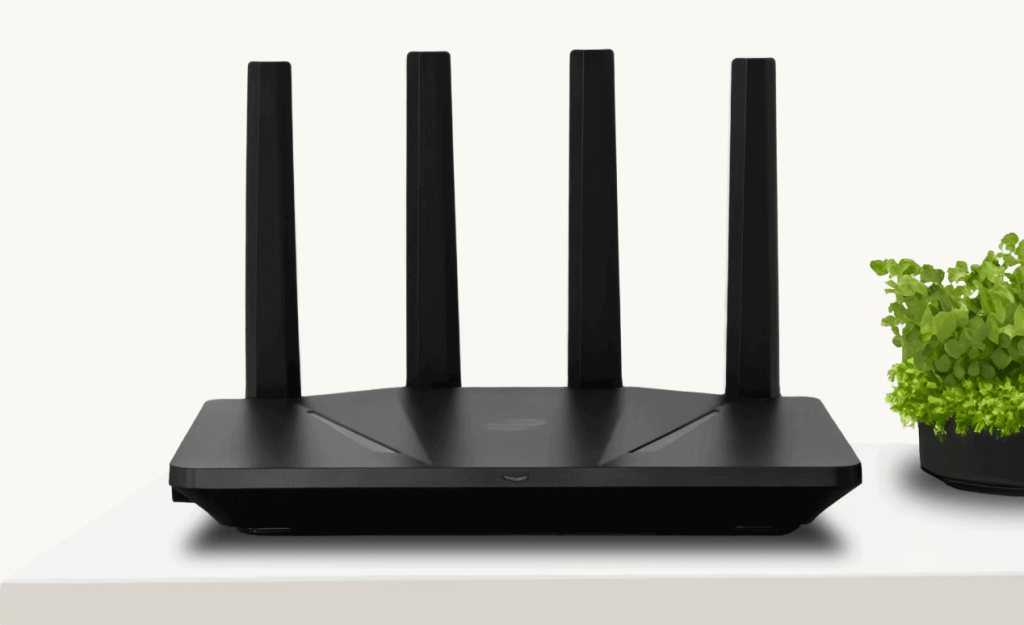
Image: ExpressVPN
VPN-Compatible Router
The VPN-compatible routers are different from the pre-configured VPN routers. They are not built in with a VPN, but with the VPN protocol, allowing you to manually set up a VPN with the same protocol on them. Some routers only support the WireGuard protocol, and others only support the OpenVPN protocol. Here are the best routers that support VPN setup.
1. TP-Link Archer GX90
The TP-Link Archer GX90 is an excellent VPN-compatible gaming router with ultra-fast speeds and strong processing power. Here are its key features:
Its tri-band design includes a dedicated 4.8 Gbps Game Band, optimized for gaming traffic. This helps reduce latency and ensures a smooth, stable gaming and streaming experience.
The router offers flexible wired connections with a 2.5 Gbps WAN/LAN port, a 1 Gbps WAN/LAN port, three Gigabit LAN ports, and two USB ports. These ports provide convenient connectivity options and maximize network throughput for multiple devices.
With its high-performance antennas and beamforming technology, the Archer GX90 delivers strong Wi-Fi coverage for homes up to four bedrooms, making it suitable for medium to large households.
It is equipped with a 1.5 GHz quad-core CPU, ensuring stable high-speed performance even when multiple devices are connected.
The price may vary depending on promotions and sellers, so you can check Amazon for the current price.
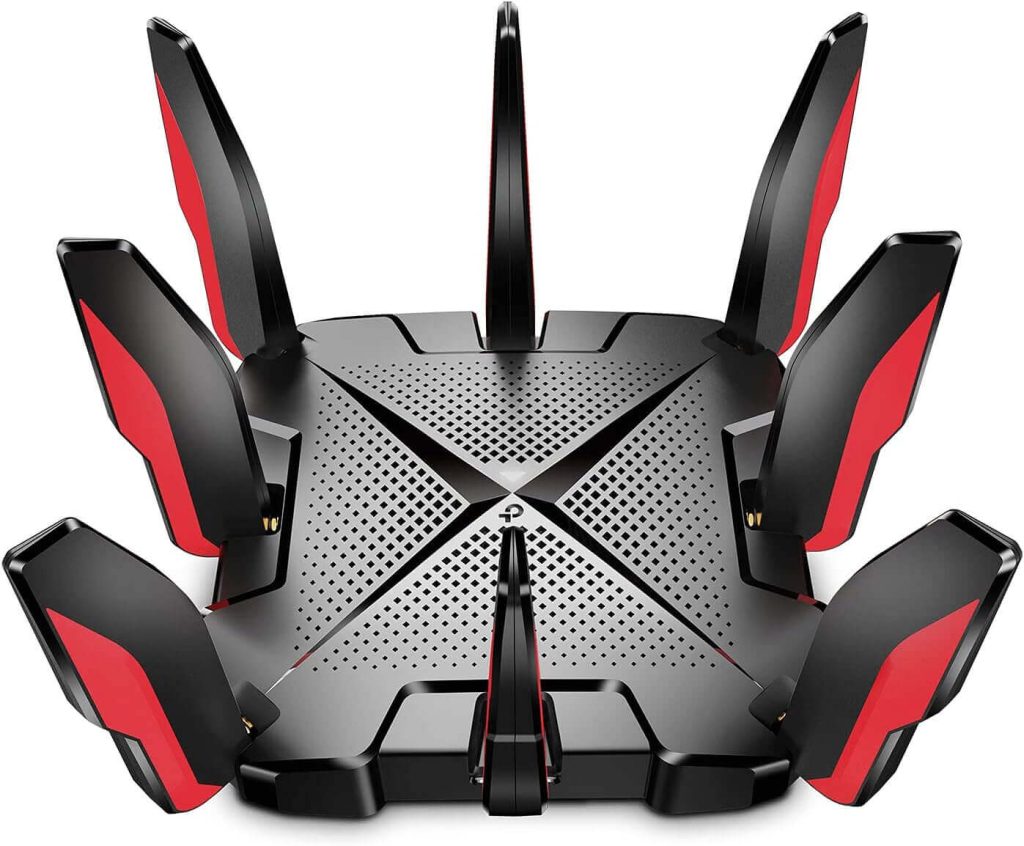
Image: Amazon
2. Asus RT-AX58U
The Asus RT-AX58U is one of the best VPN-compatible routers thanks to its strong security features and ultra-fast Wi-Fi 6 performance. Here are its detailed features:
The RT-AX58U supports next-generation Wi-Fi 6 (802.11ax), which is up to 2.7× faster than Wi-Fi 5. With OFDMA, MU-MIMO, 160 MHz bandwidth, and 1024-QAM, the router can deliver smoother streaming, faster downloads, and more stable performance when multiple devices are connected.
Asus includes AiProtection Pro, powered by Trend Micro, which protects all connected devices from online threats. It also offers parental controls, allowing you to monitor and manage your family’s internet usage.
You can use the ASUS Router App on both iOS and Android to quickly manage your router settings, set up your network, monitor devices, or enable VPN features—all from your phone.
The router supports AiMesh, enabling you to create a whole-home mesh Wi-Fi network using other Asus AiMesh-compatible routers. This delivers more stable and wider coverage for larger homes.
Its price varies by retailer and region, so you can check Walmart or Amazon for the latest pricing.
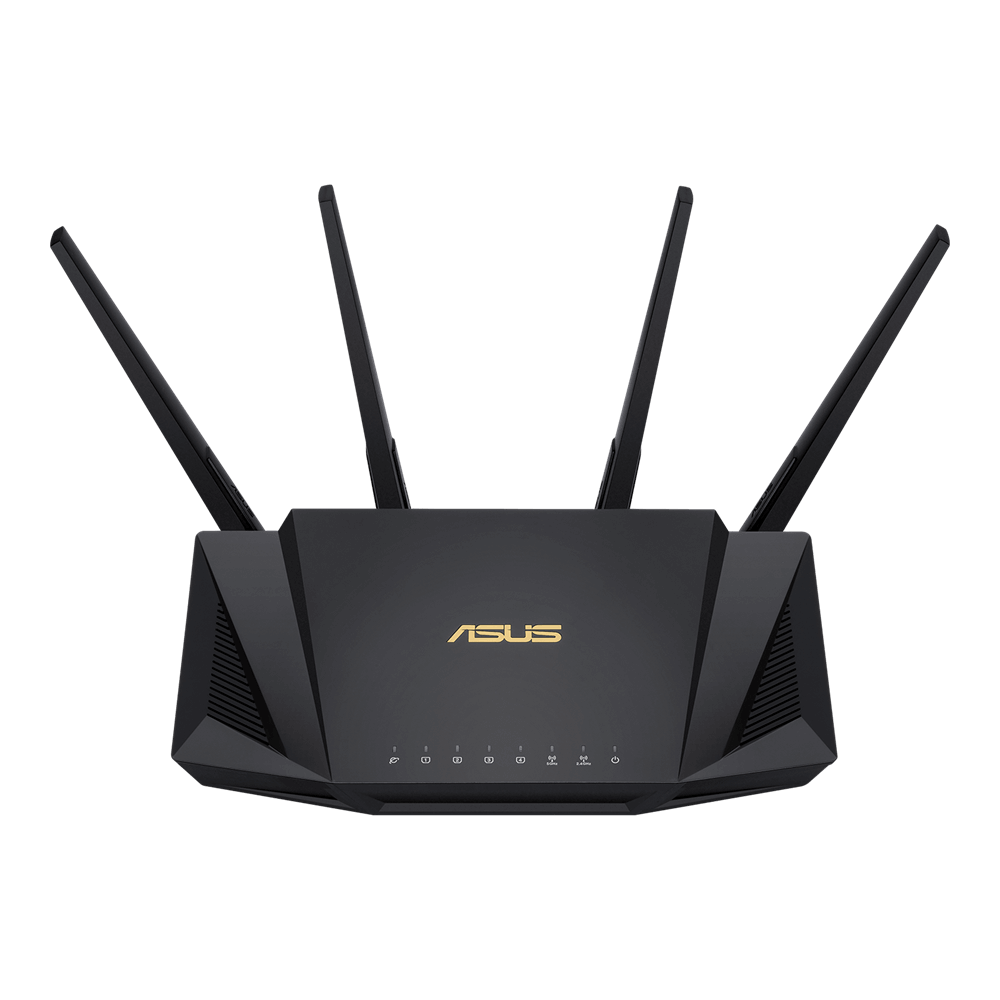
3. Asus RT-AC86U router
The Asus RT-AC86U is a powerful dual-band router that works well with VPN services. Here are its key features:
This AC2900 dual-band router delivers wireless speeds of up to 2900 Mbps. Its 1.8 GHz 32-bit dual-core processor helps optimize network traffic and improve connection stability. You can enjoy lag-free online gaming, streaming, and VPN use.
The RT-AC86U includes built-in security features such as AiProtection, which helps defend your devices against external attacks and online threats. This ensures a safer experience while streaming or playing games online.
With the ASUS Router App, you can quickly set up your network, manage connected devices, apply parental controls, and receive instant notifications about important network events.
Pricing may vary depending on the seller, so you can check Amazon for the most updated price.
VPN Routers Need Upgraded Firmware
If your router isn’t natively compatible with VPNs, you may be able to manually “flash” or update the router firmware to make it VPN-compatible. This typically involves installing custom firmware such as DD-WRT, OpenWrt, or Tomato, depending on your router model.
DD-WRT and OpenWrt are better than Tomato because they support more router models, receive more frequent updates, and offer more complete features, making them especially suitable for modern VPNs, Wi-Fi 6, and streaming optimization. Tomato, on the other hand, updates slowly and supports fewer devices, so it is less recommended.
If you want to install custom firmware to enable VPN compatibility, here are some of the most popular routers known for supporting DD-WRT or OpenWrt. Firmware support varies by model and hardware revision, so always check the official compatibility database before flashing.
1. Linksys Routers
Linksys is one of the best-known brands for DD-WRT support. Common compatible models include:
- Linksys WRT3200ACM
- Linksys WRT1900ACS / WRT1900AC
- Linksys WRT1200AC
- Linksys EA6900
- Linksys E3200 / E2500
2. Netgear Routers
Netgear offers many models that work well with DD-WRT. Popular compatible models:
- Netgear Nighthawk R7000
- Netgear R6400 / R6700
- Netgear R7800 (also widely supported by OpenWrt)
- Netgear R9000
3. Asus Routers
Some Asus routers are compatible with third-party firmware, especially OpenWrt. Models frequently supported include:
- Asus RT-AC68U
- Asus RT-AC66U
- Asus RT-N16
- Asus RT-AC58U
4. D-Link Routers
A number of D-Link devices also work with OpenWrt. Common supported models:
- D-Link DIR-825
- D-Link DIR-860L
- D-Link DIR-842
How to Set Up a VPN Router
Setting up a VPN on your router can be easy if you own a VPN pre-configured or VPN-compatible router. Here’s how.
- Sign up with a VPN provider and get your login credentials.
- Use an Ethernet cable to connect your VPN-compatible or pre-configured router to your modem. Wait for it to fully boot.
- Open your browser or router app to log in to the admin panel.
- Go to the VPN section, select your preferred protocol (OpenVPN or WireGuard), and enter your account credentials. Choose a server location for the best speed or to access geo-restricted content.
- Enable the VPN on the router. All devices connected to the router will now use the VPN automatically. Check your IP at a site like whatismyipaddress.com to confirm the connection.
For routers that require firmware flashing to use a VPN, follow the manufacturer’s instructions carefully. However, note that incorrect steps could permanently damage the router.
Related: How to Find Router IP Address on Any Device: Detailed Guide
Benefits of VPN Routers
A VPN router is a Wi-Fi router that comes pre-configured or can be manually configured with VPN client software. It combines the functions of a traditional Wi-Fi router with VPN capabilities, allowing all connected devices to benefit from secure VPN protection.
- Protects all devices on your network: By encrypting internet traffic and masking the IP addresses of connected devices, a VPN router safeguards your family’s data and privacy across multiple devices.
- Helps bypass geo-restrictions: A VPN router can change your IP address to make it appear as if you’re browsing from a different country, enabling access to geo-restricted content such as streaming services, although effectiveness may vary depending on the service.
- Compatible with various devices: Since the VPN runs on the router itself, it works with any device connected to the network, even those without native VPN app support, such as gaming consoles or smart TVs.
- Automatic VPN connection for all devices: Once the router is connected to the VPN, all devices automatically use the VPN connection without needing to launch a separate VPN app, providing a seamless and user-friendly experience.
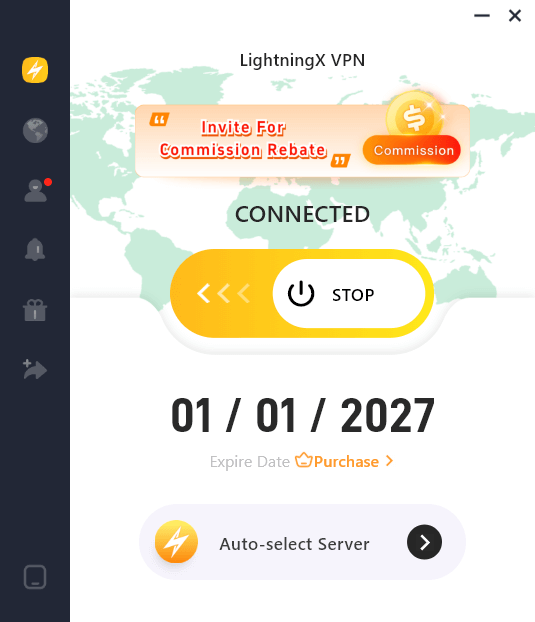
Best Router VPN – LightningX VPN
If you own a router compatible with VPNs. You can connect it to a robust VPN like LightningX VPN because:
- It covers 70+ countries with 2,000+ servers, allowing you to smoothly access geo-restricted content anywhere. Plus, it offers free servers on Android and iOS.
- LightningX VPN doesn’t limit the bandwidth on your network, so you can enjoy the films, shows, and dramas without interruptions.
- It supports popular devices and browsers, allowing 3 simultaneous connections.
- LightningX VPN supports both IPv6 and IPv4.
Considerations When Choosing a VPN Router
Before buying a router with VPN capabilities, consider the following factors:
- VPN protocols supported: Check which VPN protocols the router supports, such as OpenVPN, WireGuard, or IPSec. These protocols determine the encryption strength and overall performance of your VPN connection.
- Speed and performance: Look for routers with advanced Wi-Fi technology, such as Wi-Fi 5 or Wi-Fi 6, dual or tri-band support, and a strong processor. These features ensure fast internet speeds and stable performance even when the VPN is enabled.
- Compatibility with devices and VPNs: Ensure the router is compatible with the devices you plan to connect and with the VPN service you want to use. Some routers are pre-configured for VPNs, while others require manual setup or custom firmware like DD-WRT or OpenWrt.
Conclusion
A VPN router helps you unlock geo-restricted content even when you are traveling. However, you may check the types of routers before buying one. If you buy a router compatible with a VPN, you can share the features of LightningX VPN with it.






