


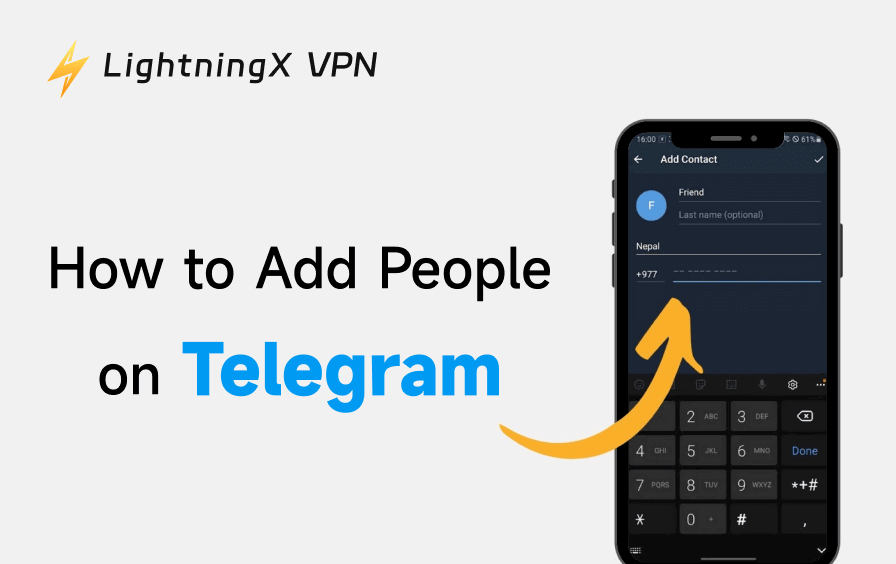
In this post, you can learn how to add people on Telegram by username, phone number, QR code, contact links, etc. Each method offers detailed steps.
How to Add Someone on Telegram by Username
One of Telegram’s standout features is the ability to connect using usernames instead of phone numbers. This is perfect if you don’t want to reveal personal information.
- Ask the person for their Telegram username (e.g., @username).
- Open Telegram and tap the Telegram search bar.
- Type the exact username.
- Tap on the profile when it appears.
- Click Start Chat.

That’s it. You’ve successfully connected on Telegram without exchanging phone numbers.
How to Add People on Telegram Using a Phone Number
The most straightforward way to add contacts is through phone numbers. This method works best when both users have saved each other’s numbers.
- Open the Telegram app (Android, iOS, or Desktop).
- Click the three-line menu icon in the top-left corner and click the Contacts tab.
- Select Add Contact.
- Enter the person’s name and phone number.
- Click Create.
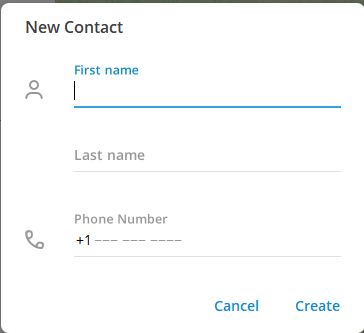
Once saved, Telegram will automatically detect whether that number is registered. If it is, the contact will appear instantly.
How to Add People on Telegram by Invite Link
Invite links are widely used for adding people to Telegram groups, channels, or even private chats.
- Ask the person to share their Telegram invite link.
- Click the Telegram link (t.me/username or invite link).
- Telegram will open automatically.
- Tap Join or Start Chat.
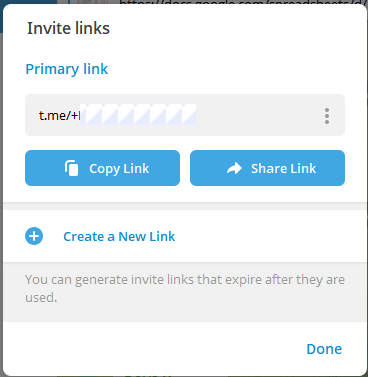
This method is simple and works across devices, including desktop browsers. Invite links are especially useful when joining Telegram groups for business onboarding.
How to Add People on Telegram by QR Code
Telegram also supports QR codes for fast contact sharing. Follow the steps below to add contacts by QR code.
- Launch the Telegram app on desktop or mobile.
- Click the three-line menu icon in the top-left corner and select My Profile.
- Click the QR Code icon on the profile page.
- Scan the other person’s QR code to add them.
- Start chatting instantly.
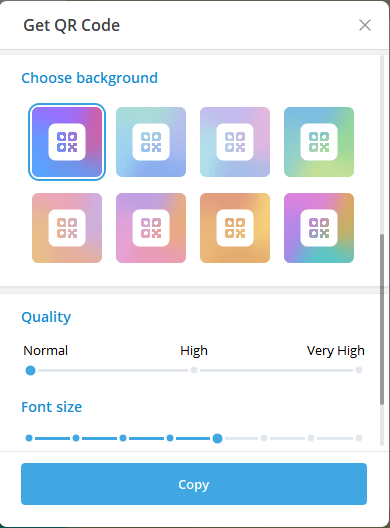
QR codes are commonly used at events, meetups, or conferences where people want to add contacts quickly without typing usernames.
How to Add Contacts Automatically on Telegram
Telegram can automatically sync contacts from your phone, saving time if you already have many numbers stored.
To enable contact sync on Telegram:
- Open Telegram.
- Click the three-line icon and go to Settings.
- Tap Privacy and Security.
- Enable Sync Contacts.
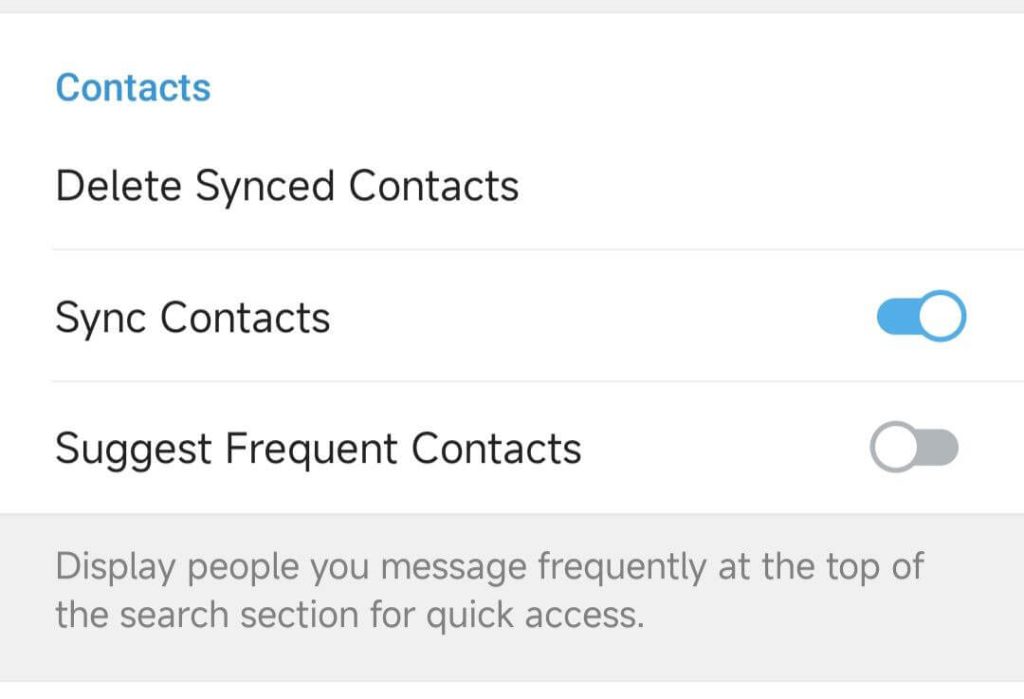
Once enabled, Telegram will continuously update your contact list.
How to Add People on Telegram for Business or Marketing
Telegram is widely used for brand communication, communities, and customer support.
Recommended methods for businesses:
- Share public usernames
- Use invite links for groups and channels
- Display QR codes on websites or social media
These methods allow you to add people efficiently while keeping professional interactions.
How to Add Someone on Telegram Without Number
As explained above, you have several methods for adding people on Telegram, and Telegram fully supports adding someone without a phone number.
You can add a person by using:
- Username
- QR code
- Invite link
As long as the other person has enabled a public username or shared a link, no phone number is required. This approach is ideal for:
- Telegram channels and groups
- Privacy-focused users
- Freelancers and remote teams
Common Problems When Adding People on Telegram
Even though Telegram is user-friendly, issues can still occur. Common reasons why you can’t add someone:
- The username is incorrect or outdated.
- The user has changed privacy settings.
- The phone number is not registered on Telegram.
- The user blocked contact requests.
If adding by phone number fails, try switching to the username or invite link method.
Privacy Tips When Adding People on Telegram
When learning how to add someone on Telegram, privacy should always be considered.
Best practices:
- Use usernames instead of phone numbers.
- Adjust privacy settings to control who can find you.
- Avoid syncing contacts if not necessary.
- Block or restrict unknown users on Telegram.
Telegram gives you granular control over who can contact you and how your information is displayed.
FAQs About Adding People on Telegram
1. Can I add someone on Telegram if they don’t have my number?
Yes. Use usernames, invite links, or QR codes.
2. Is it possible to add people on Telegram by username only?
Absolutely. Adding people on Telegram by username is one of the most common use cases.
3. Why can’t I find someone by phone number?
They may have disabled phone number discovery or not registered that number on Telegram.
Conclusion
Telegram offers more flexibility than most messaging apps. Whether you prefer phone numbers or privacy-friendly options to add people on Telegram, there’s a method for everyone.
To summarize:
- Phone numbers are simple but less private.
- Usernames are ideal for secure connections.
- Invite links and QR codes are perfect for groups and businesses.
If you want to contact people worldwide, access global channels and groups, and protect your privacy on Telegram, you may utilize a VPN. LightningX VPN is a VPN compatible with Android, iOS, Windows, Mac, etc. It offers many fast servers, covering 70+ countries. Use this VPN to access apps, websites, and services from all over the world, without restrictions.






