


In today’s world, almost everything you do online is tracked, and personal data is constantly collected.
What is Incognito Mode, and is it really safe?
Incognito Mode can help protect your browsing activity on your device, but it has clear limitations. In this article, we’ll explain what it actually does, what it doesn’t, and simple steps you can take to stay more secure online.
What is Incognito Mode?
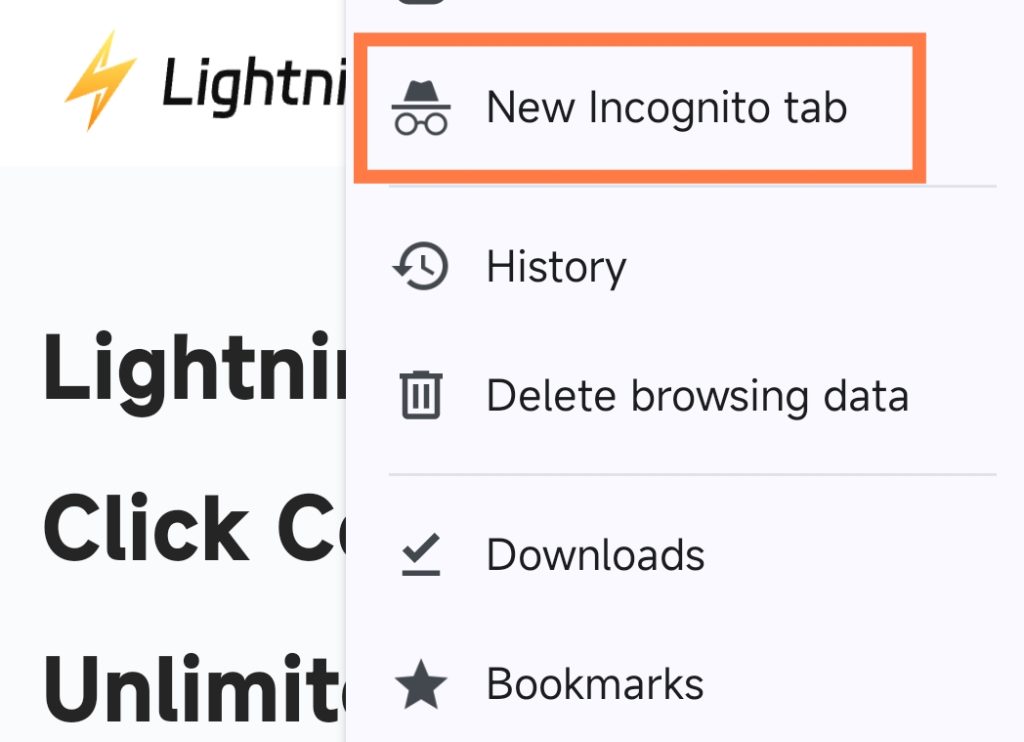
Incognito mode is a basic setting on browsers like Chrome or Safari that lets you browse the internet privately.
When you are in Incognito mode, the browser will not save your browsing history, cookies, or any other website data after you close the session.
It is like putting an invisibility cloak on your browser. Once you close the browser, the websites you have visited are gone from your device.
What Does Incognito Mode Do?
In short, Incognito mode helps protect the privacy of your local browsing activity, but it doesn’t make you completely anonymous online. Here’s what happens when you use Incognito mode:
1. Separate Private Browsing Session
When you open an Incognito window, your browser starts a new, separate session. This session is completely isolated from your regular browsing activity.
2. No Browsing History Saved
When you turn on Incognito mode, your browser does not record the websites you visit.
3. No Cookies or Login Information Saved
Incognito mode prevents your browser from saving cookies, login sessions, or website data.
This means you’ll need to log in to websites again; login information saved in regular mode will be invalid, websites won’t recognize you as a returning visitor, and form or search data won’t be stored.
4. Extensions Disabled by Default
Most browser extensions are automatically turned off in Incognito mode. This helps reduce tracking by third-party tools, unless you manually allow specific extensions to run.
5. Session Ends When the Window is Closed
The private browsing session ends when you close all Incognito tabs. Any temporary cookies or website data created during this session are automatically deleted.
What Incognito Mode Does Not Protect?
Incognito mode can enhance local privacy, but it also has important limitations. It cannot protect you from the following:
- Your IP address: Incognito mode does not hide your IP address. Websites can still see where your traffic is coming from and estimate your location.
- Website tracking: Websites can still track your activity using analytics tools, server logs, or account-based tracking methods.
- Internet Service Provider (ISP): Your ISP can still monitor and record your browsing activity, as incognito mode does not encrypt your internet traffic.
- Online accounts you’re logged into: If you’re logged into services like Google, Facebook, or Amazon, your activity will still be associated with your account.
- Advanced tracking methods: Incognito mode cannot prevent techniques like browser fingerprinting or server-side tracking.
- Legal or law enforcement requests: Incognito mode does not provide legal protection. Browsing history can still be obtained from your ISP or online service providers if needed.
Related: Does Incognito Hide IP Address? Detailed Explanation
When Should You Use Incognito Mode?
Incognito mode is best used in specific situations where you need to protect your local privacy. You should consider enabling Incognito mode in the following situations:
- Using a shared or public computer.
- Logging into temporary or secondary accounts.
- Searching for sensitive or private topics.
- Avoiding saving form data.
- Testing websites or logging in as a new user.
- Reducing personalized results on your device.
- Shopping or booking travel on a shared device.
Incognito Mode vs VPN: What’s the Difference?
Incognito mode focuses on local privacy protection. It prevents the browser from saving the following information: browsing history, cookies and website data, and form entries such as usernames and passwords.
A VPN encrypts your internet traffic and routes it through a remote server, thereby changing your IP address and protecting your data during transmission.
Incognito mode cannot hide your IP address or encrypt your internet traffic, but these are things a VPN can do.
How to Make Online Browsing More Secure Beyond Incognito Mode?
To achieve private browsing, you can try the following these ways:
1. Use a VPN
A VPN encrypts your internet connection and hides your IP address, making it difficult for ISPs, network administrators, and websites to track your online activities.
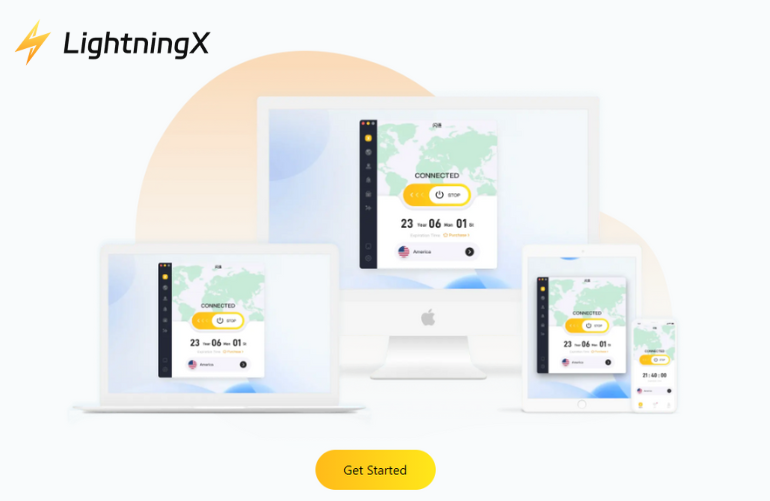
If you want to get 100% security when browsing online, incognito mode alone is not enough.
LightningX VPN uses multiple security technologies to protect your information, provides 2000+ nodes, unlimited bandwidth and speed, and unblocks various websites.
Download it for free nodes and a 30-day money-back.
2. Use a privacy-focused browser
Secure Browsers such as DuckDuckGo, Brave, and Firefox are designed with privacy issues in mind. You can download and install one of them.
3. Adjust your browser settings
Adjusting your browser settings can further enhance your privacy.
- Disable third-party cookies: Go to your browser’s settings and disable third-party cookies to prevent tracking.
- Enable Do Not Track: Turn on the Do Not Track request in your browser settings.
- Use privacy extensions: Install extensions like uBlock Origin, Privacy Badger, or HTTPS Everywhere to block ads, trackers, and ensure a secure connection.
Clearing cookies and cache deletes stored data that can be used to track your online behavior. Go to your browser’s settings and find an option to clear browsing data. Make a habit of doing this regularly.
Read more: How to Clear Cache and Cookies on Chrome: Step-by-Step Guide
5. Use two-factor authentication (2FA)
2FA adds an extra layer of security to your online accounts, making it impossible for unauthorized users to gain access. If you enable 2FA, you will receive a code on your phone or email.
FAQ about Incognito Mode
1. Is incognito 100% private?
No. Incognito Mode is not 100% private. It only prevents your browser from saving your browsing history, cookies, and form data on your device. It does not hide your IP address or protect you from tracking by websites, ISPs, or network administrators.
2. Can I be tracked if I use incognito mode?
Yes. You can still be tracked while using Incognito Mode. Websites, Internet Service Providers (ISPs), employers, and schools may still monitor your activity through your IP address, account logins, or network-level tracking.






